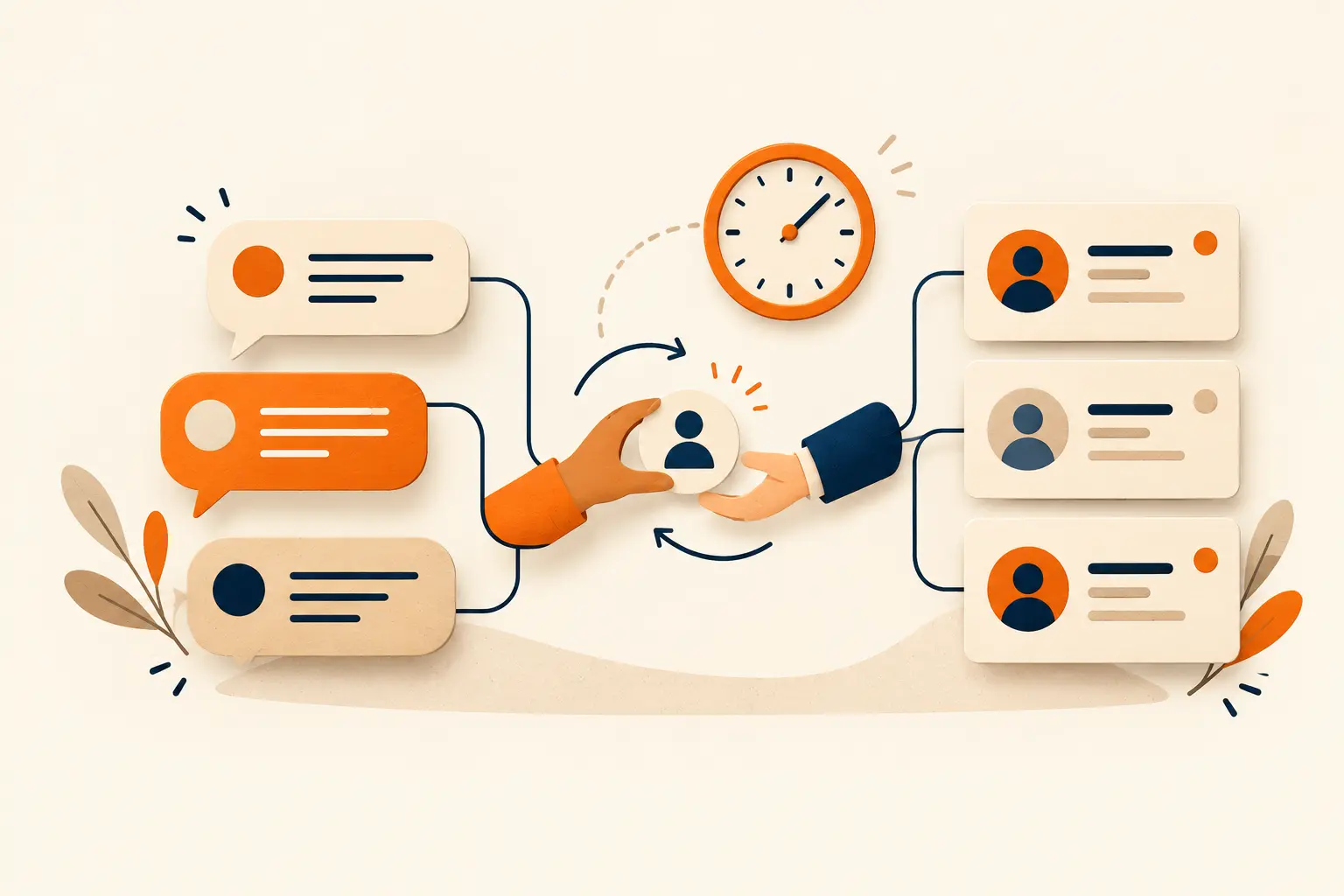
An enquiry arrives, someone shares it in a team group, and later nobody knows who replied. Start by defining a process before choosing automation. A useful WhatsApp CRM lead follow-up workflow makes the owner, status and next action clear for every conversation, while respecting the customer’s communication preferences.
Separate an enquiry from ongoing marketing permission
Having a phone number should not be treated as permission for every future campaign. Check Meta’s opt-in guidance and current WhatsApp policies, and explain what messages a customer can expect. WhatsApp Business Platform terms require businesses to honour opt-out requests. The workflow needs a practical way to record and act on those requests.
Collect only information with a clear purpose
A name, requirement and preferred contact method may be enough to begin, depending on the business. Avoid collecting sensitive information without a specific need. Keep the fields manageable so the team can maintain them. Discuss access roles and record-review practices before building a large database that nobody takes responsibility for.
Assign an owner and a meaningful status
Possible stages include new enquiry, contacted, requirement understood, proposal shared and closed. These are illustrative stages, not a mandatory system. Adapt them to your sales process. Each active record should have a responsible person and a next action. Good handover information helps customers avoid repeating their entire request to every team member.
Set honest expectations in automated replies
An acknowledgement should explain what happened and what comes next. Do not promise a response time the team cannot consistently meet or present a bot as a live human. Confirm current platform-specific messaging windows, template requirements and permissions before implementation. An automated message is only useful if the process behind it is real.
Provide a route to a person
Decide how complaints, pricing exceptions and unclear requirements reach the team. Assign an escalation owner and channel. Only say that information has been transferred when that transfer is configured and actually occurs. A guide that creates a local draft should not claim that it has submitted an enquiry to a CRM.
Review pending conversations and customer preferences
Regularly review ownership, pending actions and reasons conversations close. Consider relevance before sending repeated messages. Honour requests to stop communication. Assess the workflow through the clarity it gives your team and the quality of conversations it supports, rather than relying only on the number of automated messages sent.
Your action checklist
- Define permission and opt-out handling.
- Choose useful fields, owners and next actions.
- Test automated replies and human handoff.
- Review the setup against current platform requirements.
Common questions
Is a WhatsApp button a CRM integration?
Not necessarily. It may only open WhatsApp; recording and routing enquiries requires a separately configured workflow.
Does Hoots send messages automatically?
On this website, Hoots offers guided suggestions and prepares a WhatsApp draft. The visitor reviews and sends it.
Official reference
Platform-specific guidance referenced in this article. Settings and policies can change; check the linked documentation before implementation.
WhatsApp Business Platform · Current terms ↗Make this useful for your business.
Bring your goals, current setup and questions to a conversation with our team.
Explore this service Plan your website